Latest Blog
- Getting Started with ESP32-CAM CH340 with OV2640 and GC2145 or RHYX M21-45 Camera
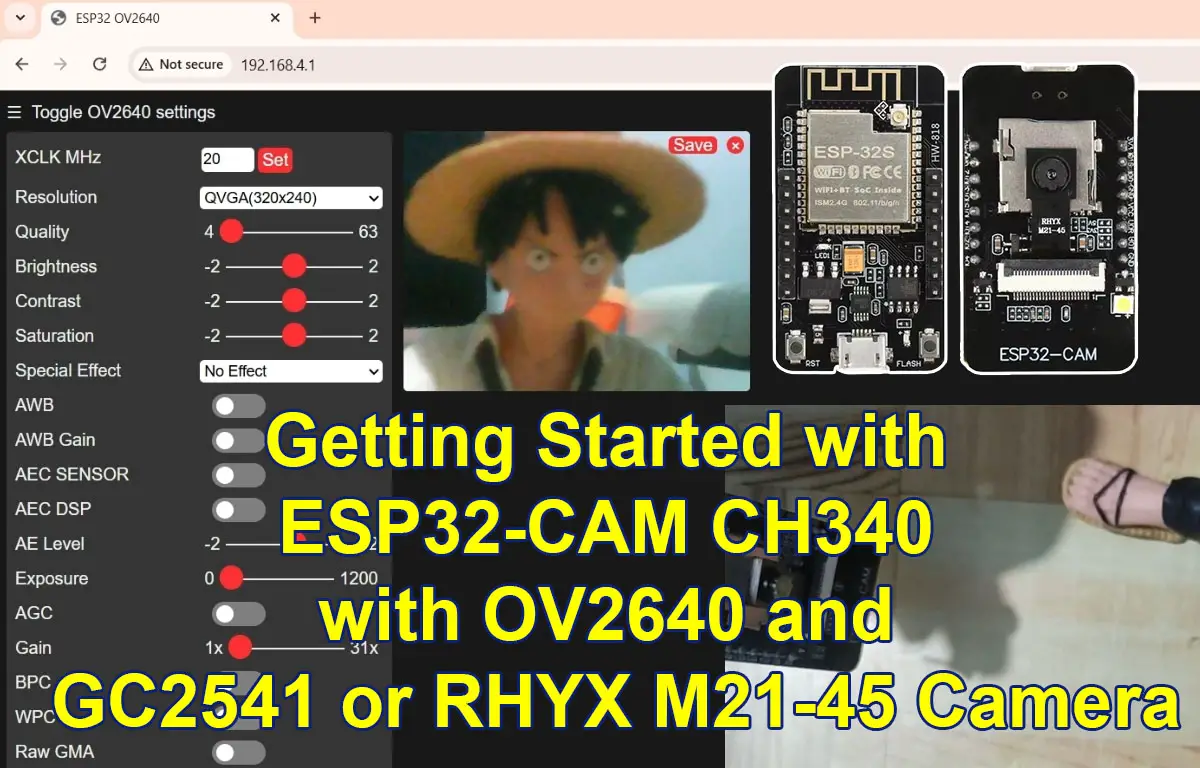 Introduction The ESP32-CAM has become one of the most popular low-cost camera development boards for IoT, DIY smart home projects, and AI-powered vision systems. But in the previous years, a new wave of ESP32-CAM boards started appearing on the market that include built-in USB (CH340) and support not only the classic OV2640 sensor but also… Read more: Getting Started with ESP32-CAM CH340 with OV2640 and GC2145 or RHYX M21-45 Camera
Topics
arduino arduinojson bme280 database database-application dht11 dht22 esp-01 esp32 esp8266 esp8266-core espnow express flask flask-socketio installation iot javascript keypad lcd ldr microdot micropython mongodb mosquitto mqtt mqtt.js mqttx node-red node.js nodemcu pico-w platformio project python raspberrpypi-pico-w raspberry-pi-sensor raspberrypi raspberry pi rfid thonny vscode weatherstation web-server webserver websocket websockets wifi wifi-car windows
New posts
-

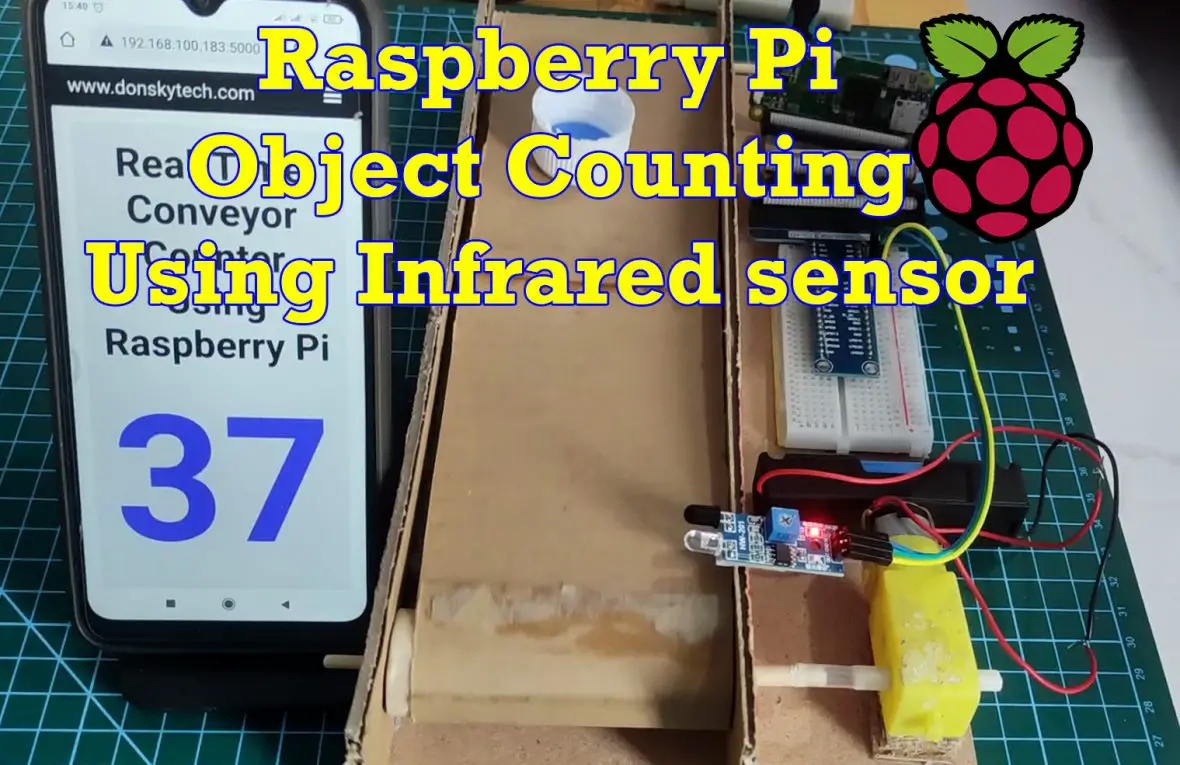
Raspberry Pi Object Counting using Infrared sensor
The following post will show how we can use the Raspberry Pi as an object counter by using the Infrared (IR) sensor. IR sensors are excellent electronic components that can sense the proximity of objects and we will use it in counting objects that are passing in our mini conveyor system.
-
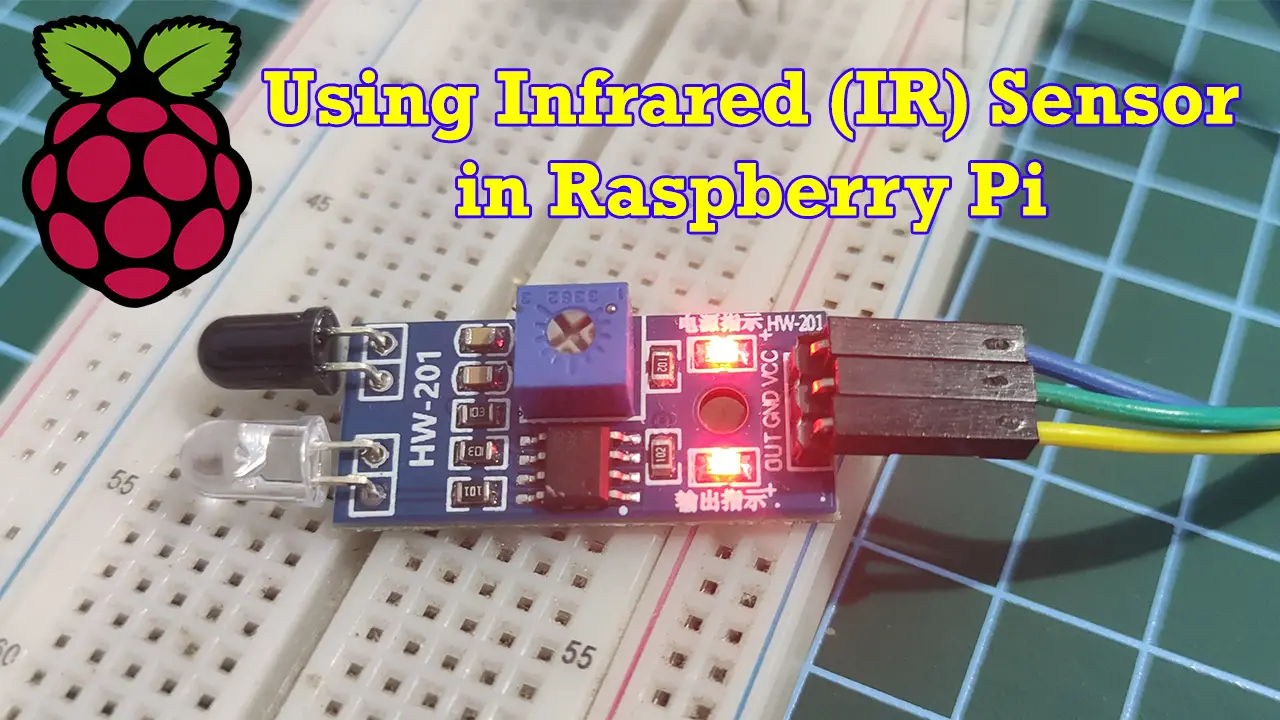
Using Infrared (IR) Sensor with Raspberry Pi
This post will discuss how to interface the Infrared (IR) sensor with your Raspberry Pi and how to drive this component using Python code.
-
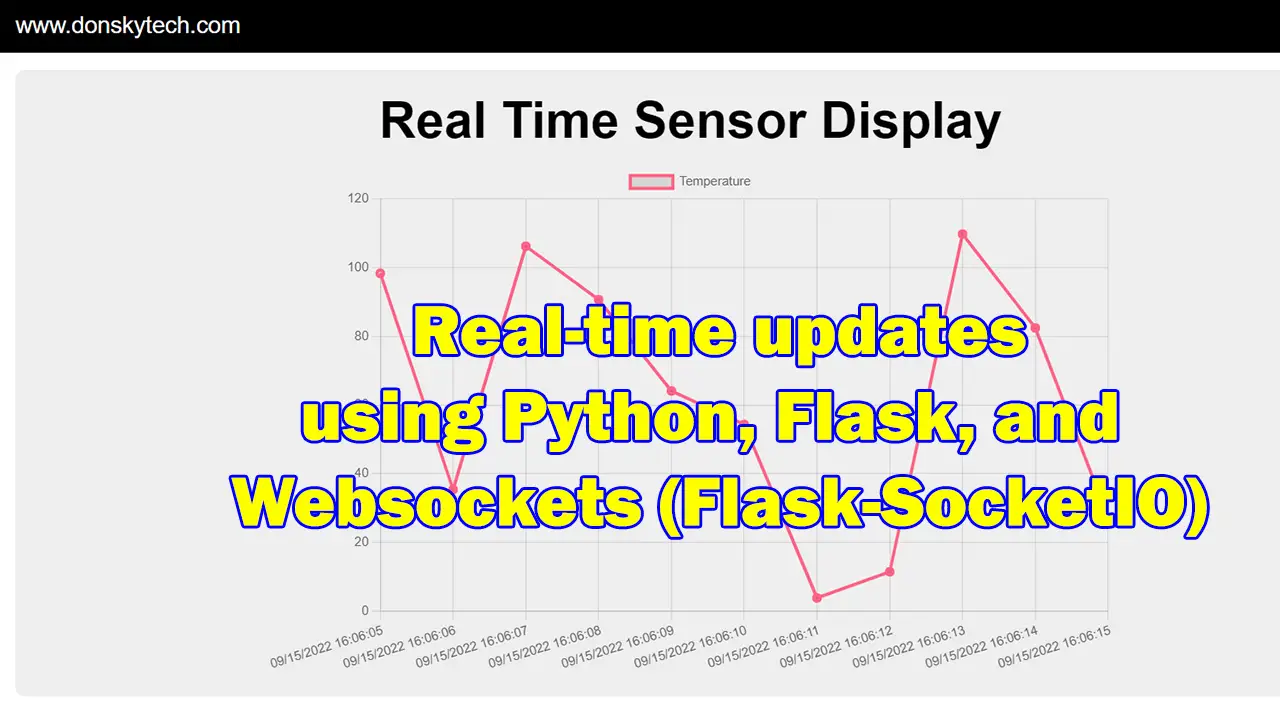
Display Real-Time Updates Using Python, Flask, and Websocket
In this post, we will explore Python, Flask, and Websocket to display sensor values coming from our server on our page and show it as a graphical chart.
Explore tutorials
Subscribe to our newsletter!
My Channels
Youtube
I regularly post on my youtube channel for demo of the different projects that I am working on.
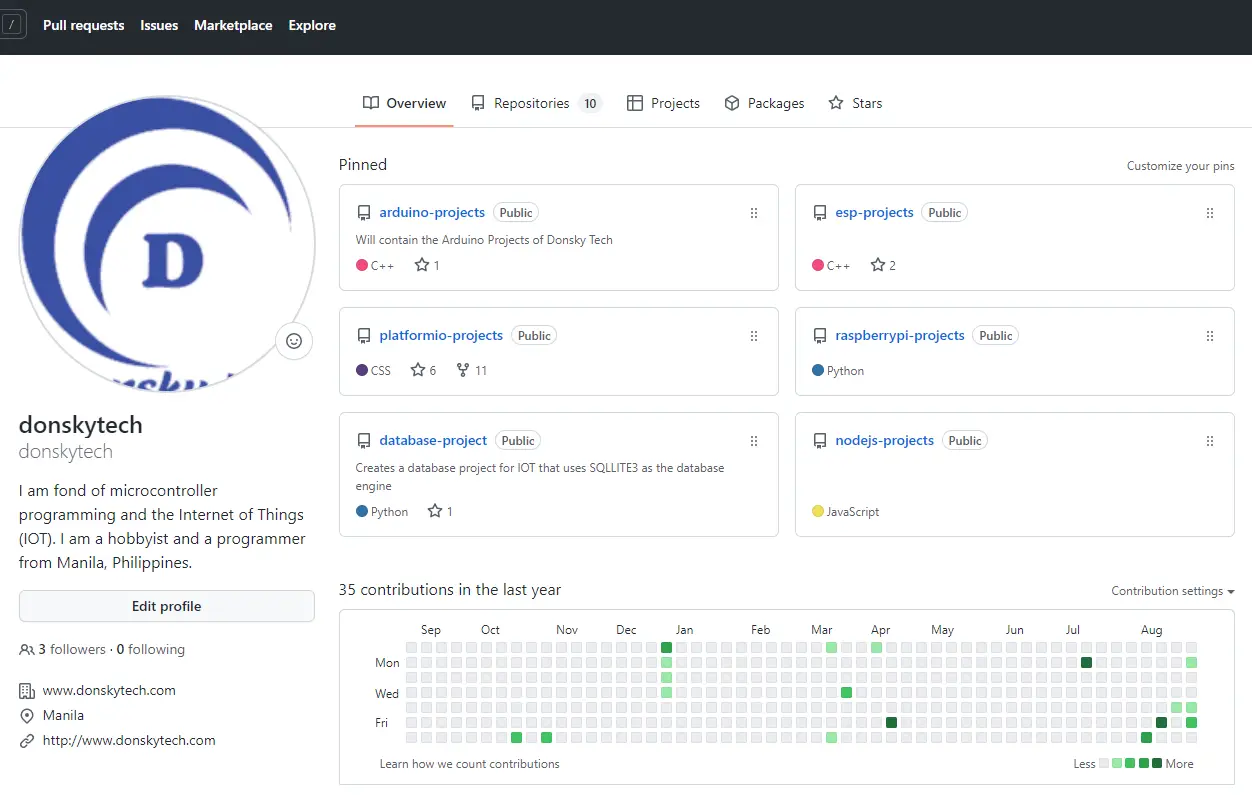
Github Repository
All my codes that I built are uploaded in my github account and free for you to checkout.
Popular Post
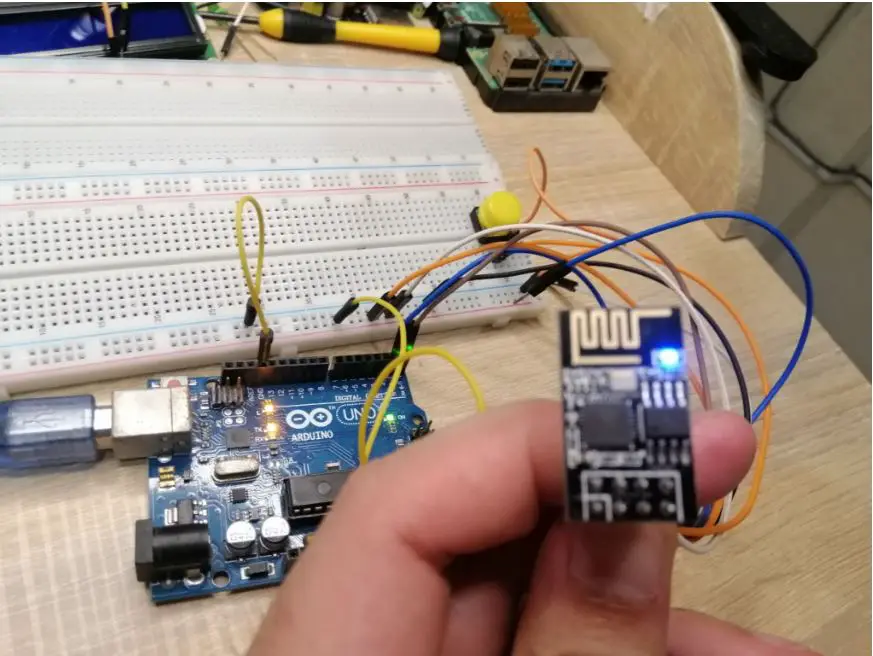
This article discusses how we can program ESP8266 ESP-01 module using the Arduino IDE.